
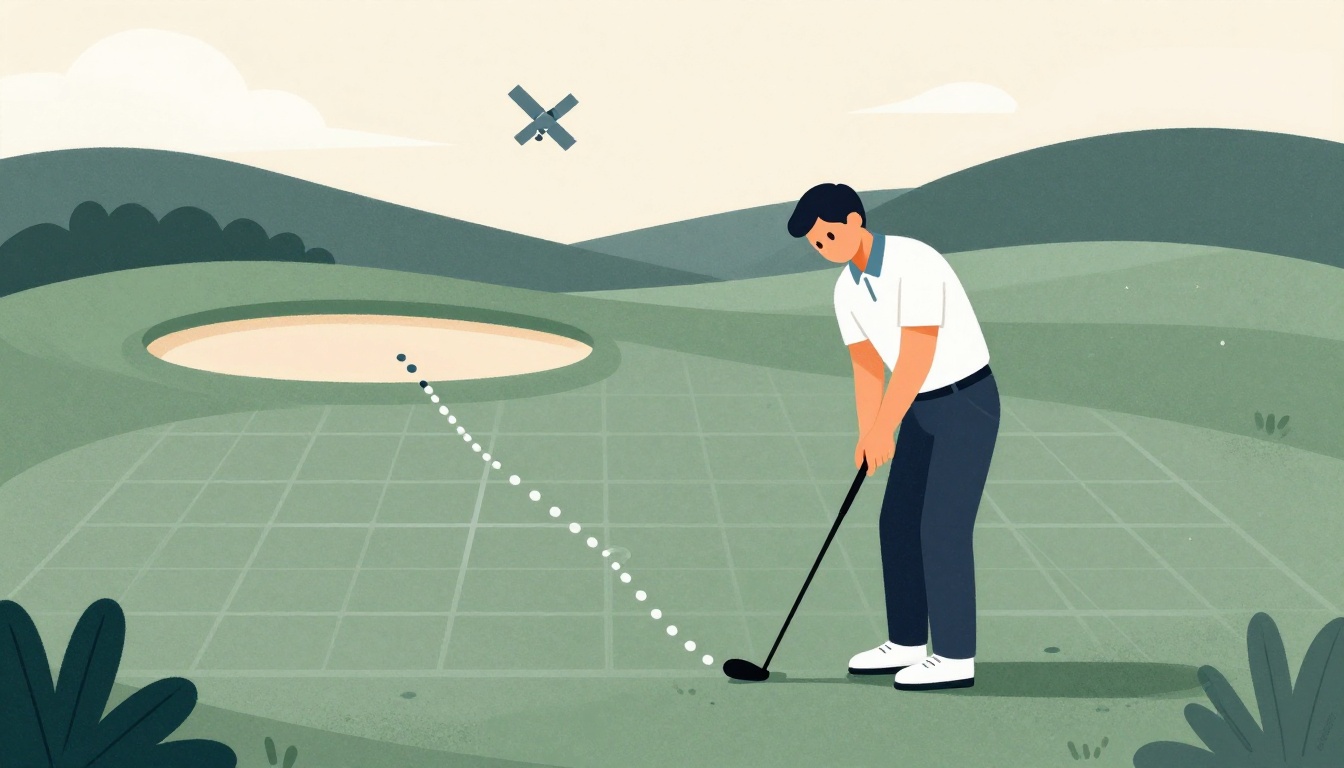
Building a golf app that tracks players on the course is harder than it looks. Raw GPS coordinates are noisy, and consumer GPS accuracy is limited to about three or four yards in ideal conditions, according to MyGolfSpy's 2025 GPS device testing. If you're building a player tracking feature, you need to understand these constraints and design your data pipeline to handle them. This guide walks through the key steps to turn raw GPS data into reliable on-course tracking, from signal filtering to pace-of-play analytics.
What is the typical accuracy of consumer golf GPS devices in ideal conditions?
Select one answer.
Understand GPS accuracy limits
Before writing any code, know what you're working with. Consumer GPS devices typically provide accuracy within three to four yards under ideal conditions, as noted in MyGolfSpy's testing. This means a player standing on the fairway could appear anywhere within a small circle on your map. For shot tracking, this is acceptable for general distance to the green, but not for precise pin positions.
A study in the International Journal of Golf Science evaluated two GPS performance-tracking devices and found that validity and reliability vary by distance category. Short shots, especially putts, are the hardest to track accurately because the distances between shots can be less than two feet, as highlighted in an ESA project on automatic golf performance tracking.
Filter and smooth raw GPS signals
Raw GPS data is noisy. To get usable player positions, you need to apply filtering algorithms. Common techniques include:
- Kalman filtering: Predicts the next position based on previous movement and corrects with new GPS readings, reducing jitter.
- Moving average smoothing: Averages recent positions to stabilize the track, but adds latency.
- Outlier rejection: Drops points that jump unrealistically far from the previous position (e.g., > 50 meters in under a second).
For example, a patent on golf shot analytics describes a system that segments GPS data into layers: basic shot tracking (coordinates), intermediate analysis (shot patterns, distances), and advanced analytics (player status, course conditions). This segmentation prevents information overload while maintaining comprehensive coverage, as detailed in Patsnap's analysis of the patent.
Map GPS coordinates to course features
To make tracking useful, you need to know where the player is relative to the course. This requires accurate course geometry—hole polygons, tee boxes, fairways, greens, and hazards. APIs like Golf Intelligence provide GPS polygons for tees, fairways, bunkers, penalty areas, and greens, which you can use to determine which hole a player is on and their position within it.
When a player's filtered GPS coordinate falls inside a fairway polygon, you can infer they're on that hole. If they're near a tee box, you can start a new shot. This spatial mapping is essential for automatic shot detection and pace-of-play analysis.
Implement pace-of-play analytics
GPS tracking enables automated pace-of-play management. Reach Golfers explains that GPS systems can automatically identify slow play without human intervention by comparing each group's progress against optimal pace benchmarks. The system can trigger alerts when groups fall behind, specifying which hole they're on and how far behind they are.
To build this, you need:
- Optimal pace benchmarks: Define expected time per hole based on course difficulty and historical data.
- Real-time position tracking: Continuously update each group's location and time spent per hole.
- Alerting logic: Notify course staff when a group exceeds the benchmark by a threshold.
For example, On-Pin Analytics offers GPS tracking with accuracy to 1-2 meters and real-time dashboards that show individuals and groups moving about the course. Their system also provides a live tracking and replay feature, which is useful for post-round analysis.
Practical steps for your app
Here's a checklist to get started:
- Choose a GPS source: Use the device's built-in GPS (phone, watch) or integrate with external sensors. Remember the accuracy limits.
- Collect raw data: Log timestamped coordinates at a reasonable frequency (e.g., 1 Hz) to balance battery and accuracy.
- Apply filtering: Implement a Kalman filter or moving average to smooth the track.
- Map to course: Use a geodata API to get hole polygons and determine player location.
- Detect shots: Use speed and direction changes to identify when a shot is hit.
- Analyze pace: Compare time per hole against benchmarks and generate alerts.
- Test on real courses: Validate your tracking against known distances and player movement.
Quiz
What is the typical accuracy of consumer golf GPS devices in ideal conditions?
- Three to four yards
- One to two yards
- Ten to fifteen yards
How the Featured Expert Can Help
Golfbert provides a geodata API for building golf course maps, offering detailed hole information and interactive features for developers. Their API returns hole polygons and vector coordinates for thousands of US courses, making it easier to map GPS data to course features. Visit Golfbert to explore their documentation and pricing plans.